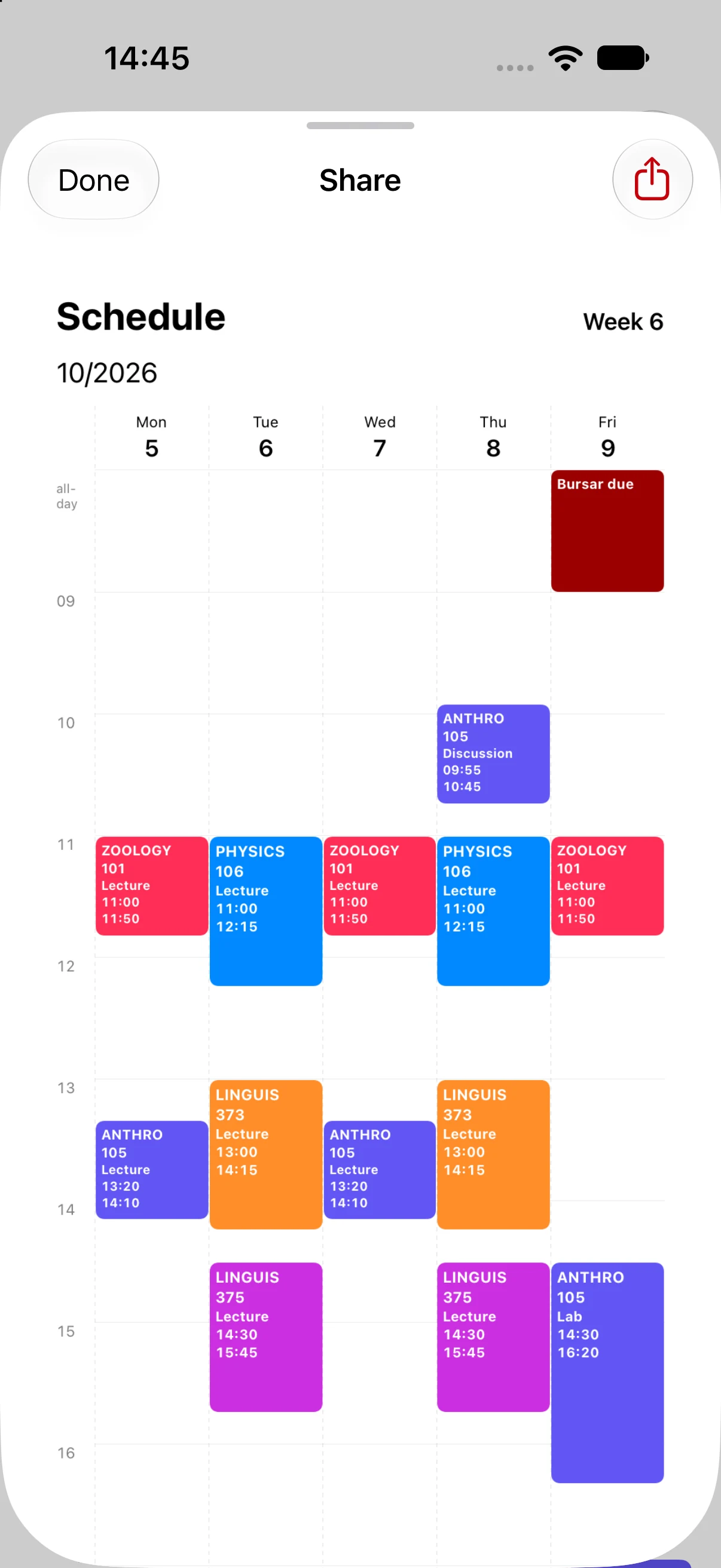
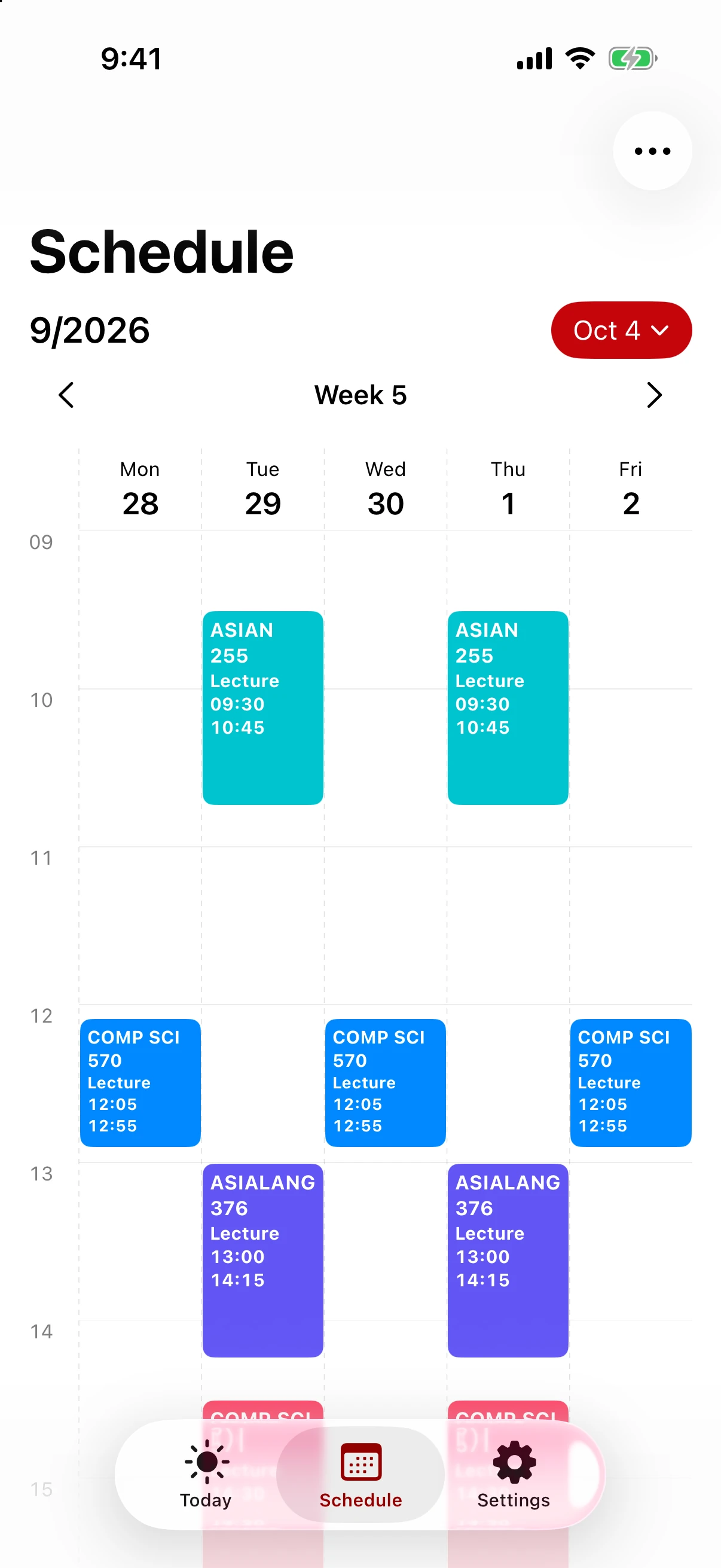
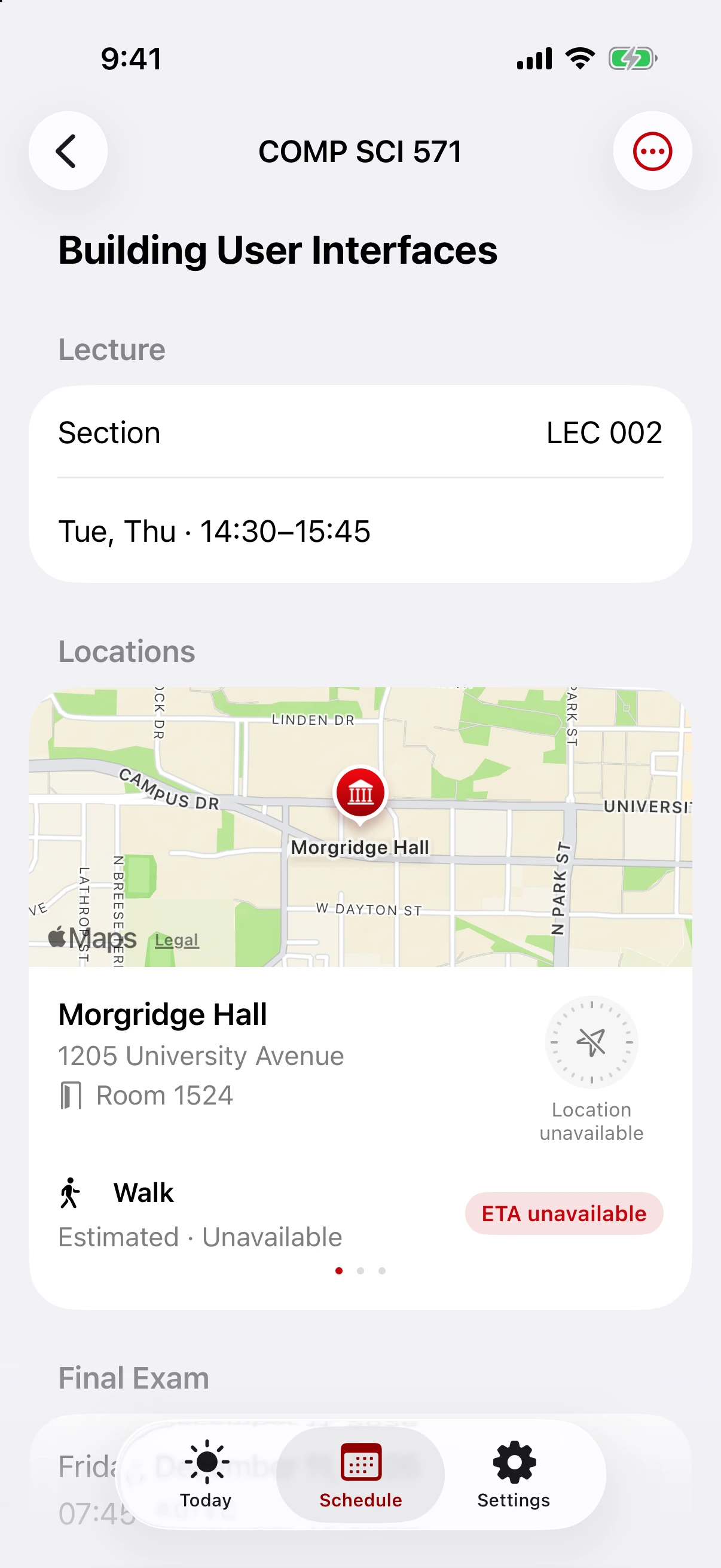
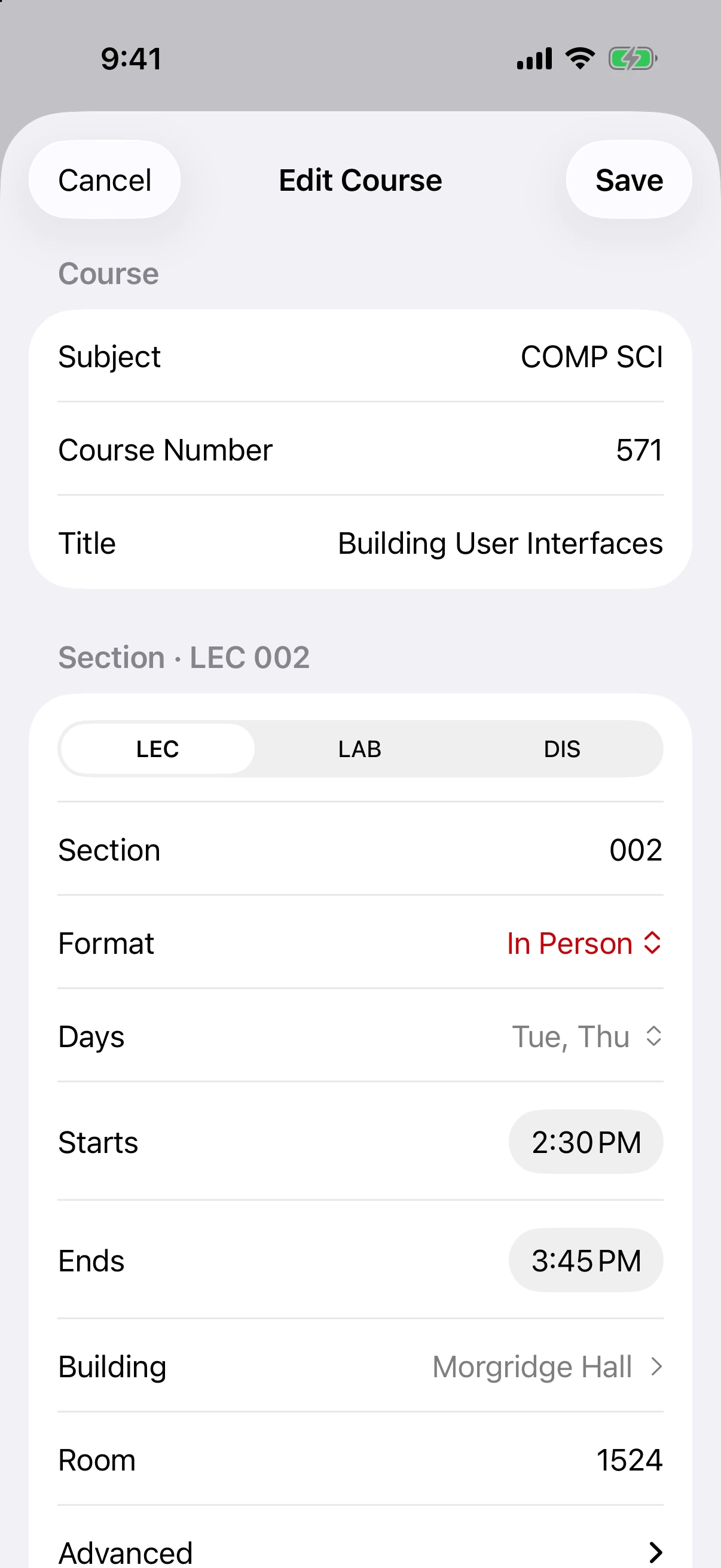
Your weekly timetable
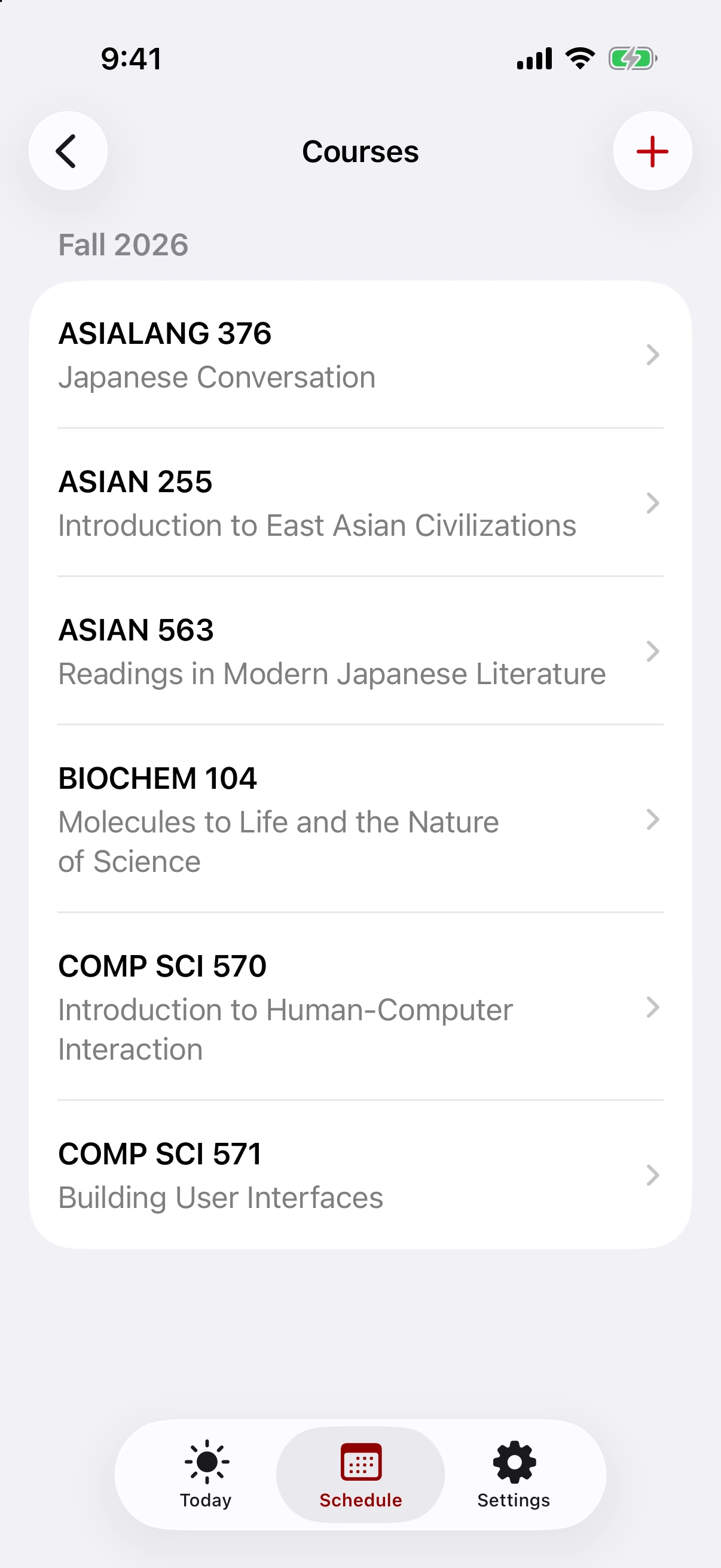
Sign in with UW to import your classes, load a file from the JSON exporter, or add courses by hand. Your whole week appears in one timetable that you can edit.
Get JSON exporterA browser userscript on Greasy Fork. You'll need Tampermonkey to run it.

Get to your next class
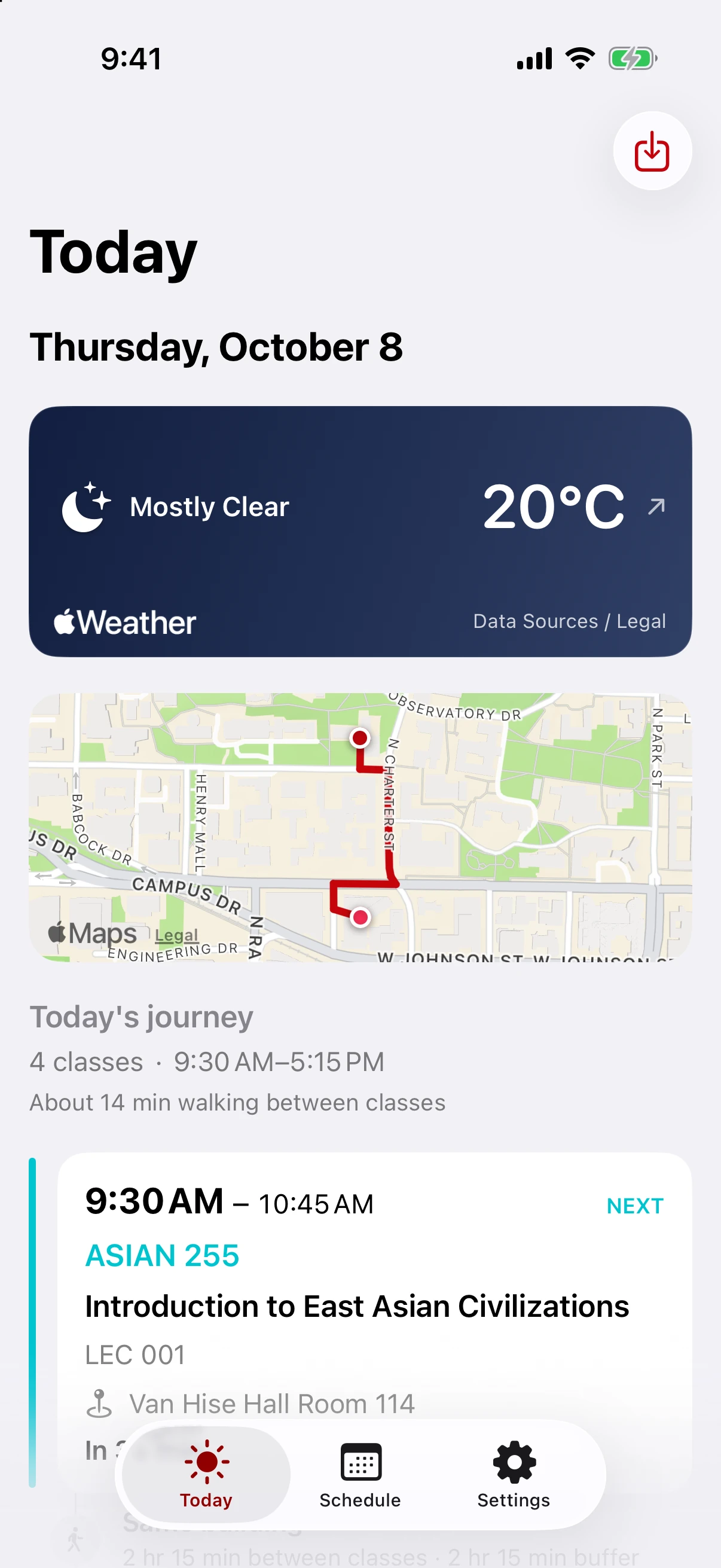
The Today tab shows your next class, the campus weather and a map of the building. If you allow location access, it also shows how long the walk will take from where you are.
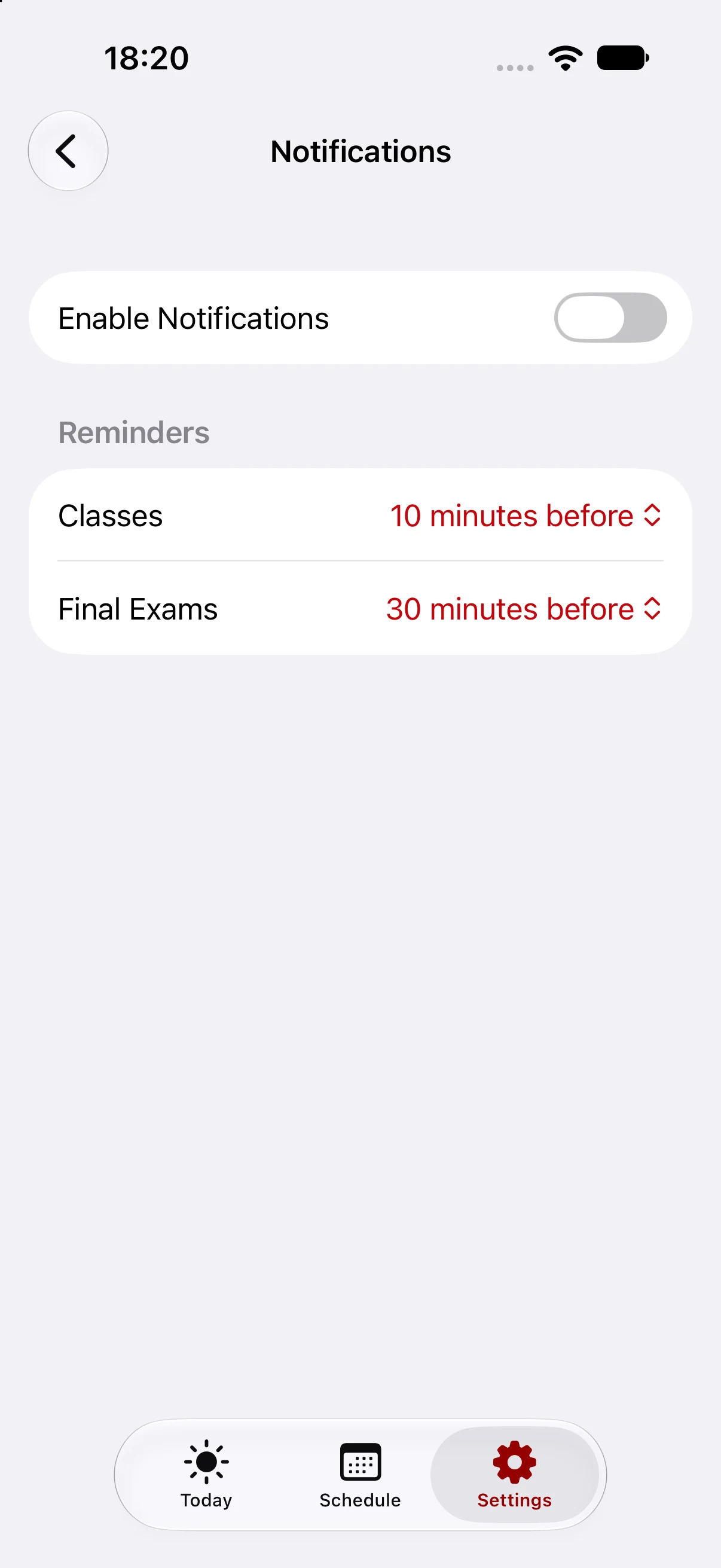
Class reminders and academic dates
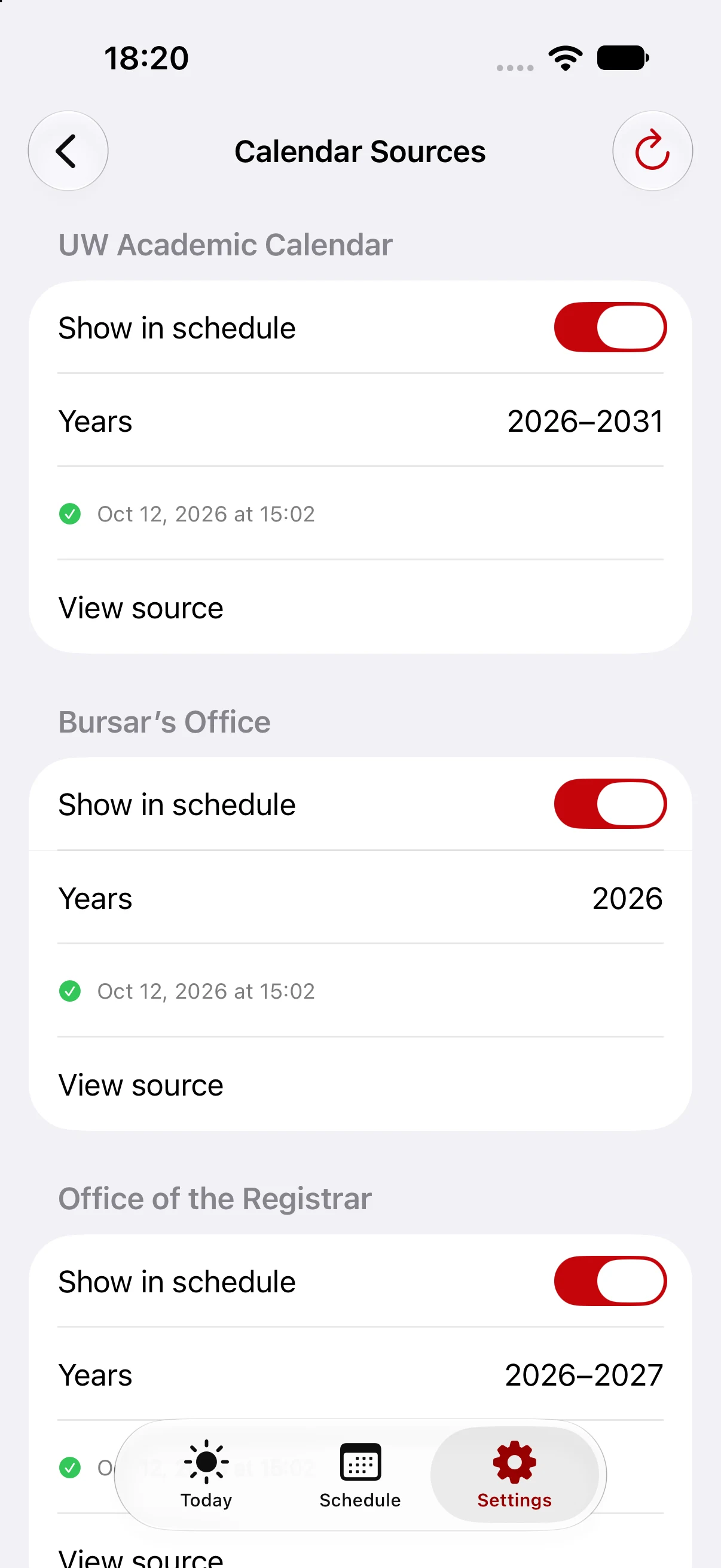
Choose how long before each class and final exam you get a reminder. Public UW–Madison academic dates and deadlines can appear in your schedule next to your classes.
Sync and share your schedule
Your schedule syncs between your devices through your own iCloud Drive, and you can turn sync off. Export an ICS file for your calendar app, or share your week as an image.